One photo a day
No complicated editing workflow. Capture today and keep moving.
 BabyTimelapseBuilt for busy parents, not power users
A calm daily ritual for baby memories
BabyTimelapse helps parents take one photo a day, stay consistent with gentle reminders, and turn each month of growth into a keepsake video worth sharing.
BabyTimelapse
Most parents already take hundreds of baby photos. The hard part is staying consistent enough to actually see the change over time.
BabyTimelapse turns that camera-roll habit into a simple ritual: one photo each day, one month at a time, one memory you can revisit later.
No complicated editing workflow. Capture today and keep moving.
Set the time that fits your family routine so the habit survives the chaos of the day.
Watch each month fill in visually and see your consistency build over time.
Generate a monthly timelapse you can save and send to family in a few taps.
Add your baby's name, birthdate, and reminder time.
Capture one photo each day and fill the month as your baby grows.
Generate a timelapse, save it, and share the memory with family.
These slots are wired for your final store and product screenshots. Replace the placeholder assets with the real EN and GR exports when they are ready.
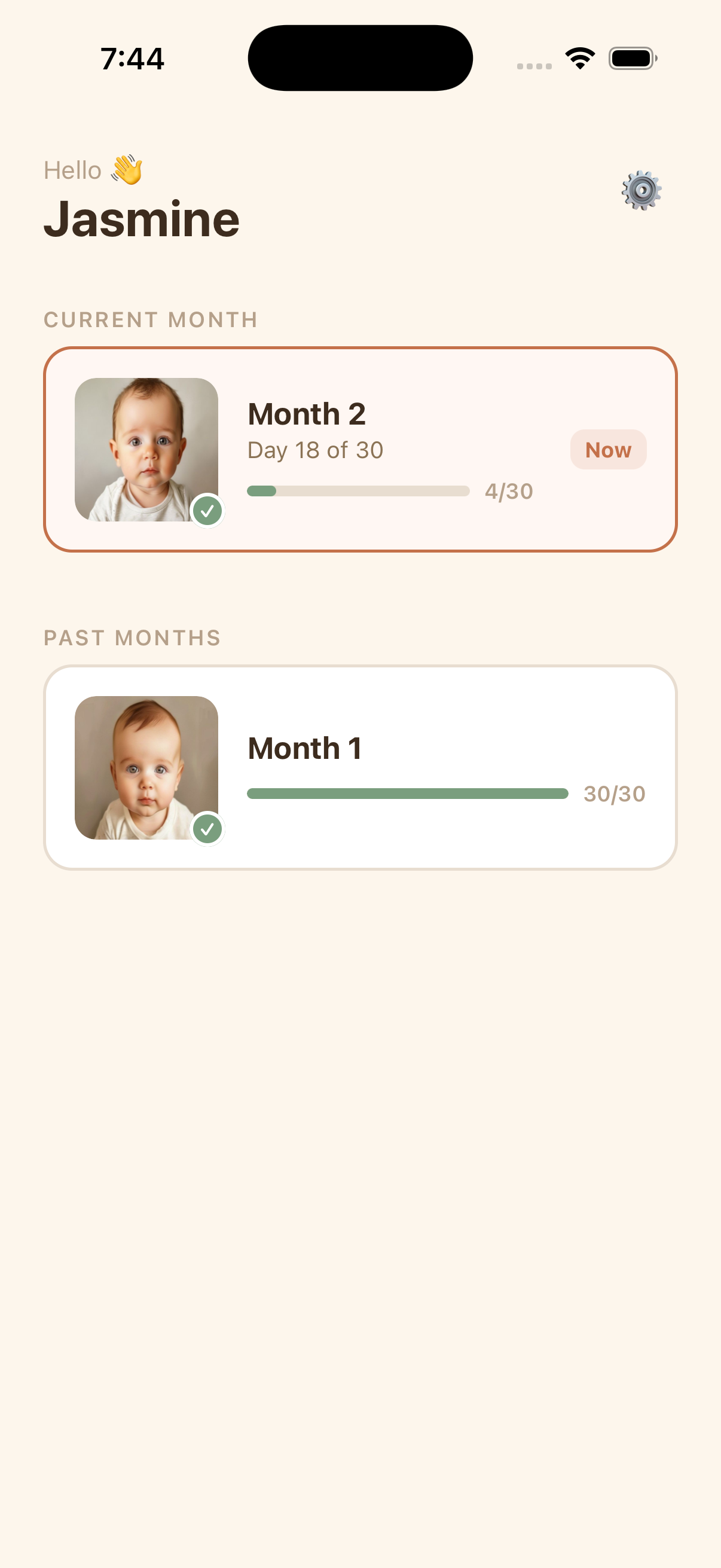
Capture one photo a day and build a beautiful month-by-month memory.
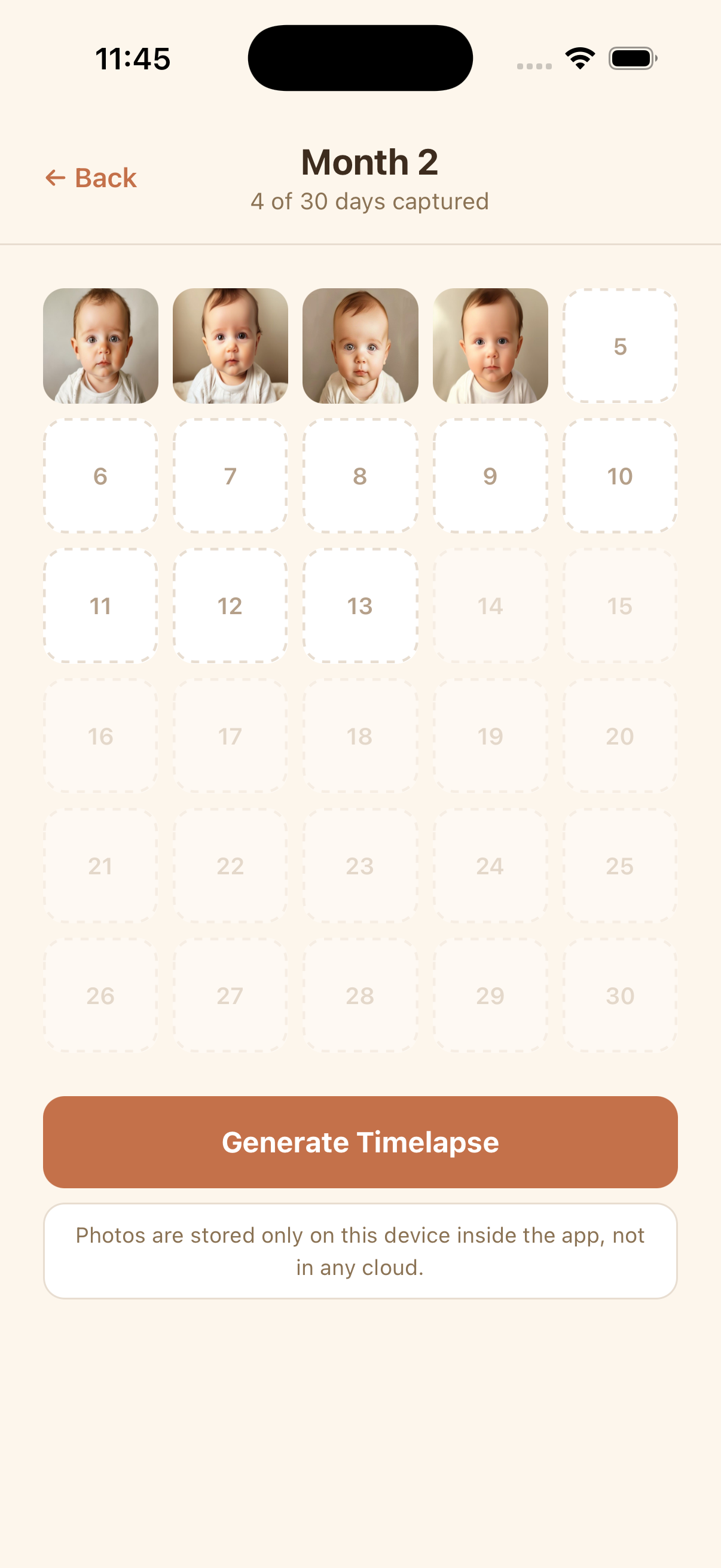
A clean daily grid makes progress feel easy and visible.
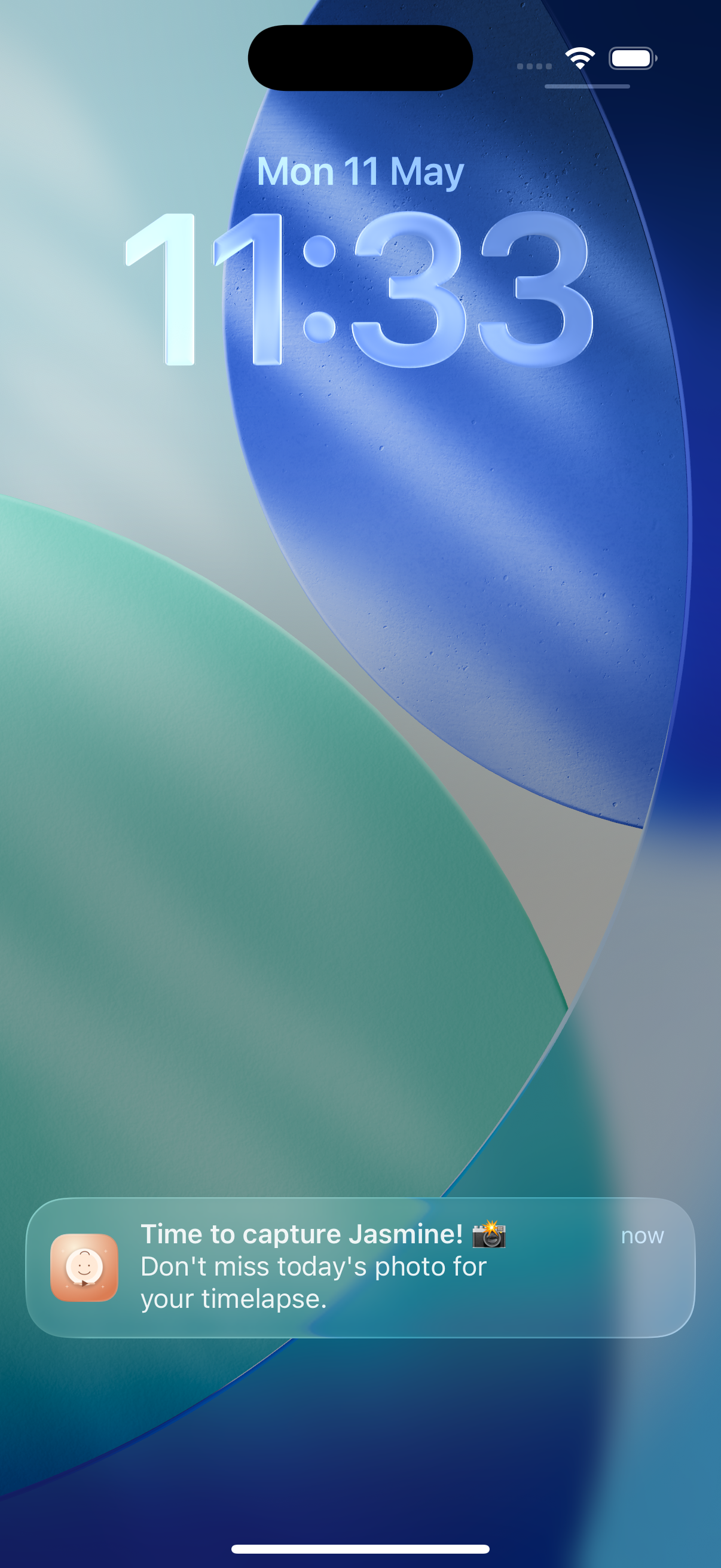
Set a daily time that fits your family's routine.
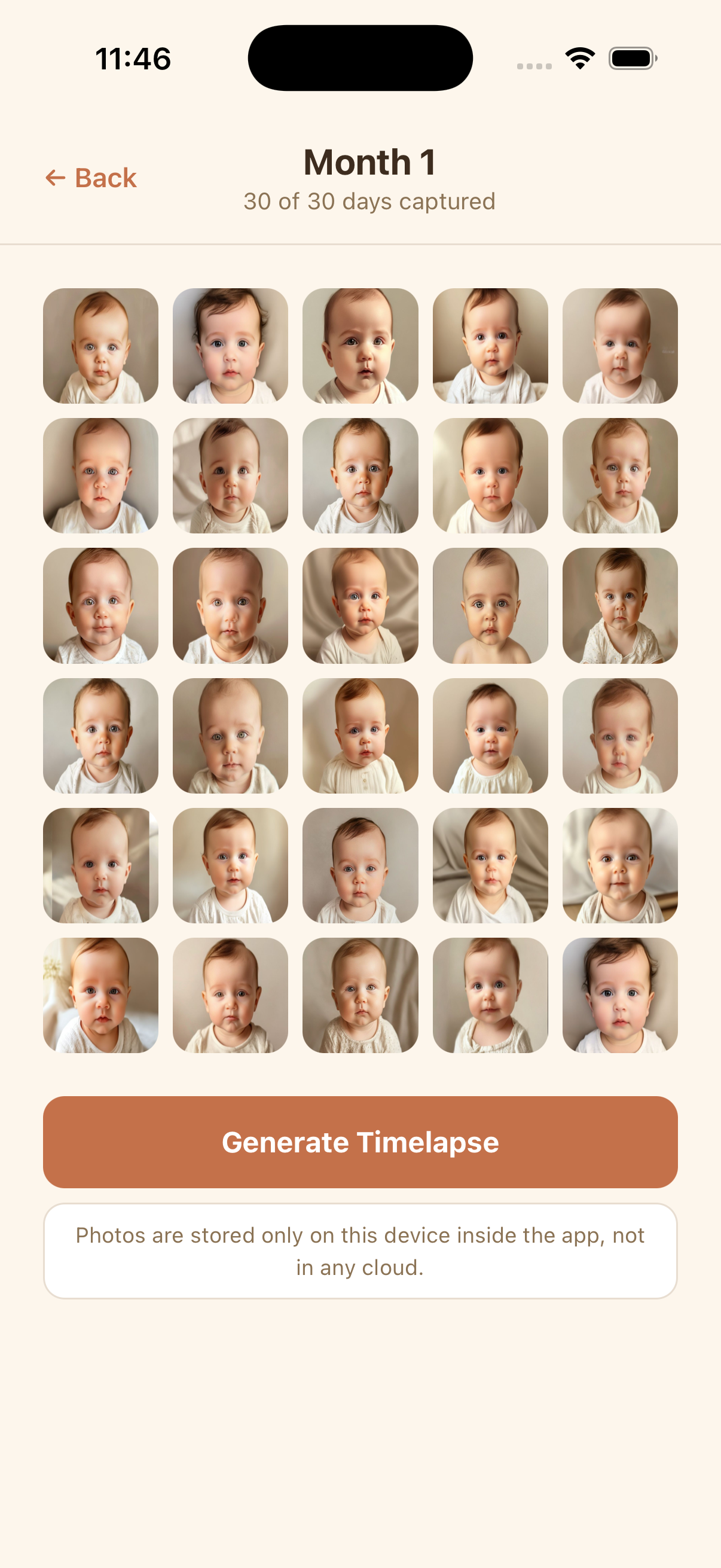
See every day fill in as your baby changes.
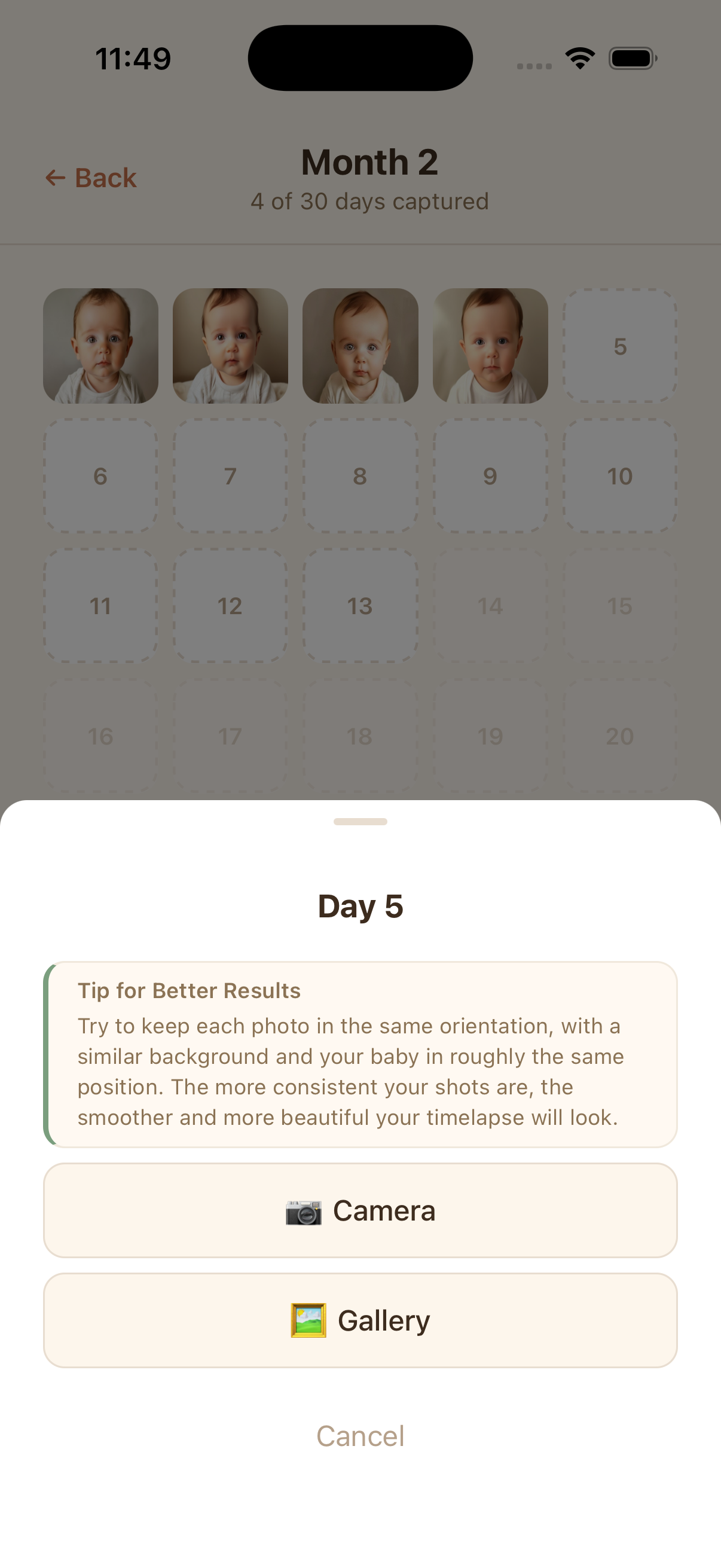
Generate a keepsake video in just a few taps.
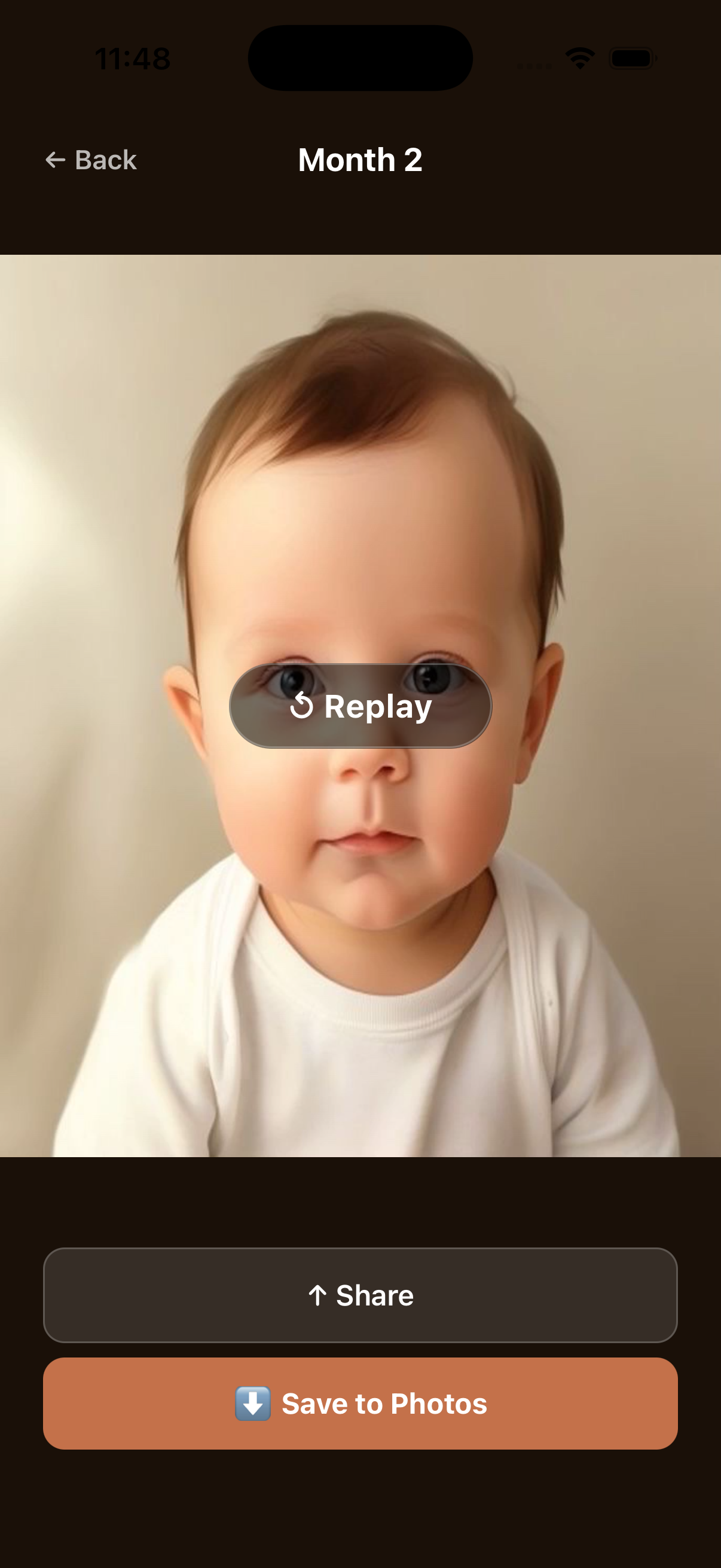
Export your baby's monthly story and share it with family.
Because random photos are easy to take and hard to relive. BabyTimelapse gives structure to the moments you already care about, so you end up with a meaningful monthly story instead of a pile of images.
You do not need another complicated app. You need something calm enough to use consistently and valuable enough to keep using. That is what BabyTimelapse is for.
It helps you take one photo a day and turn each month of your baby's growth into a timelapse video.
No. The app works best with consistency, but you can still generate a timelapse from the photos you do have.
Yes. You can choose a daily reminder time during setup so the habit fits your routine.
Yes. Once a month is ready, you can generate the timelapse, save it, and share it with family and friends.
No. It works best when started early, but any parent who wants a more intentional memory habit can use it.
BabyTimelapse
One photo a day is all it takes to create something beautiful at the end of the month.
Open the App Store